
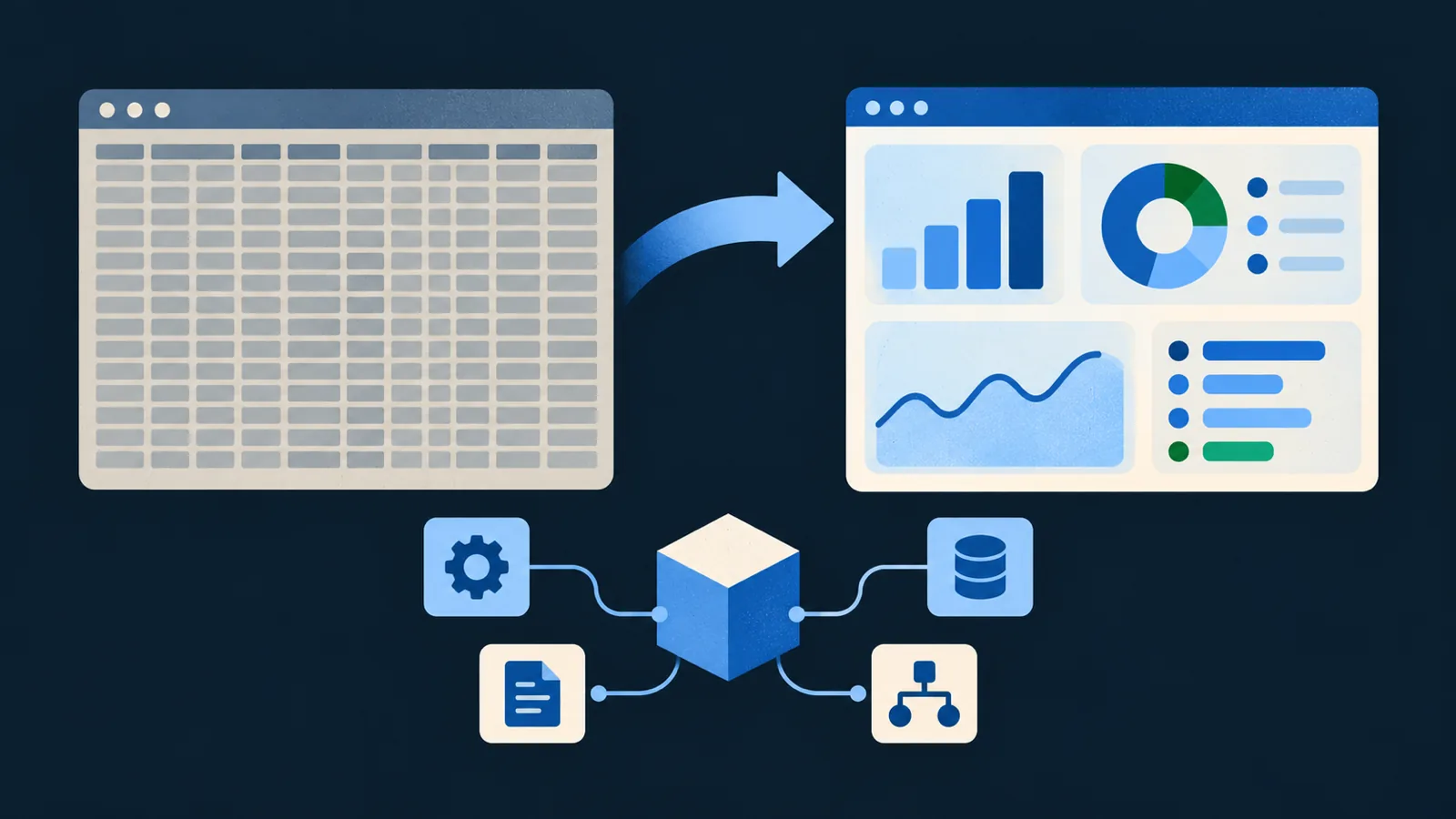
Dense SAP GUI screens and manual workarounds slow teams down. This checklist helps you pick the right processes to modernize with SAP Fiori and plan the work.
1. Find the right candidates
- Processes where people re-key data between SAP and spreadsheets or email
- Transactions used daily by many people (high-volume screens)
- Approval steps tracked outside SAP
- Reports exported to Excel every week to be reformatted
- Error queues that need someone to dig through raw transactions
2. Check what SAP already offers
- Search the SAP Fiori Apps Reference Library for a standard app
- Check whether a standard app can be extended rather than replaced
- Build custom only where standard doesn't fit the process

3. Understand the landscape
- SAP version: ECC 6.0 or S/4HANA (on-premise or cloud)
- SAP Gateway and Fiori launchpad set up
- Modules involved, such as FI/CO, SD or MM
- Existing custom code (Z programs, enhancements) the app touches
- Transport and change-management process
4. Design for the role
- One app per task and role, not one app for everything
- The 3 to 5 things the user needs to see first
- Drill-down from totals to detail
- Validation at entry, so errors don't reach SAP
5. Build it right
- OData services exposing only the data needed
- ABAP logic in classes, following clean-code standards
- Authorization checks on every service
- Testing with real-world data volumes
6. Measure the result
- Time per transaction, before and after
- Error or rework rate, before and after
- Adoption: how many users moved to the new app
7. Think about the next step
- Could AI read the incoming documents or emails that feed this process?
- Could an agent handle the routine approvals, with people reviewing exceptions?
If you need Fiori or ABAP developers, see our SAP development services or book a free call.